Introduction to Canva AI
Discover what Canva AI can do
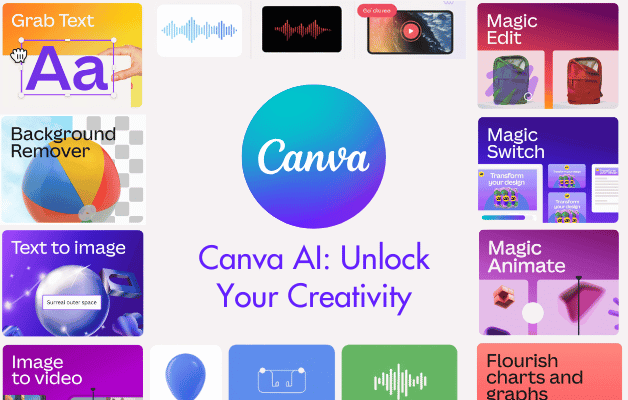
Design, image, text, video and data generation
Understand the Canva AI interface and how AI credits work
Copyright, privacy and security with AI-generated content
AI Image Generation & Editing
Write image prompts for specific subjects, styles, lighting, settings
Generate branded, stylised images using Magic Media
Use AI tools like Background Remover, Style Match & Magic Studio
Reuse and manage previously generated images efficiently
AI Text Generation & Workflows
Create social media posts, summaries, SEO content, and hashtags
Generate text with specific tone, length, mood and context
Draft Canva Docs, translate content, and refine results with conversation memory
Understand the difference between Magic Write and Canva AI
AI-Powered Data & Visualisation
Generate tabular data and charts in Canva Sheets
Use Magic Formulae and Magic Insights to analyse data
Automate multiple design posts using spreadsheet data
Customise AI-generated charts to match your brand
Generate Interactivity with AI Code
Learn what kind of code Canva AI can generate
Create calculators, interactive web elements and widgets
Embed code into presentations or websites
Access and modify the generated code
AI Video Generation
Prompt for specific video content including mood, camera, dialogue
Generate and edit videos with Canva’s AI tools
Extract audio, tweak visuals, and reuse previous video prompts
Course Wrap-Up & Next Steps
Apply everything with practical prompt engineering skills
Learn where to go next with AI tools, Canva updates and more



 Canva Beginners